











 ✦
✦ ✦
✦ ✦
✦ ✦
✦ ✦
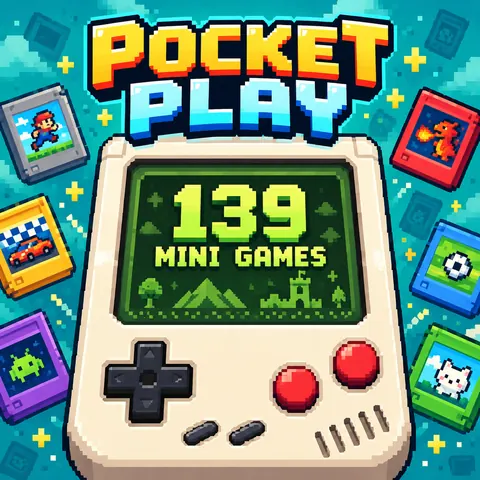
✦Pocket Play: 139 Mini Games
Play 139 bite-size browser games in a pixel handheld. Switch cartridges, learn one-button controls and collect stickers. AI-assisted presentation based on credited open-source games.
Pocket Play: development log & game guide →
How to play
Choose a cartridge
Open SELECT or Game Library, then choose a title. Use B to switch to the next game.
Read the controls
Open How to Play for the selected game. A is the main action; some games also use the direction pad or pointer.
Pause and collect
START pauses or resumes. Open the sticker album from the library. Progress and preferences are stored in this browser.
Controls
Tap or hold A; Space or Z on desktop. Use the direction pad or arrow keys for games that need a pointer. Enter toggles pause.