












Pixel Garden: Pixel Art Coloring
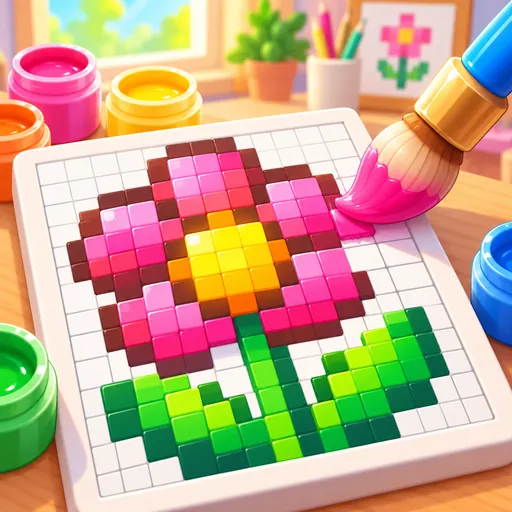
Copy colorful reference pictures one square at a time. Complete a 48-picture collection or keep painting in endless commissions.
How to play
Get started
Choose a picture and press Start painting. Select a numbered color and paint the corresponding cells from the reference.
Play smart
Drag across adjacent cells to work faster. Paint over a mistake or use Undo when a color lands in the wrong place.
Keep exploring
Compare your canvas with the reference before moving to the next picture. Save image lets you keep a copy of your artwork.
Language and local progress
English, Simplified Chinese, Brazilian Portuguese and Indonesian are available in the game. Progress and records stay in this browser; they do not sync between devices. Keep site data to retain them.
Controls
Tap or drag across the grid after choosing a color; use Undo or Save image.