Game guides

Choose a game to read its available instructions and controls.

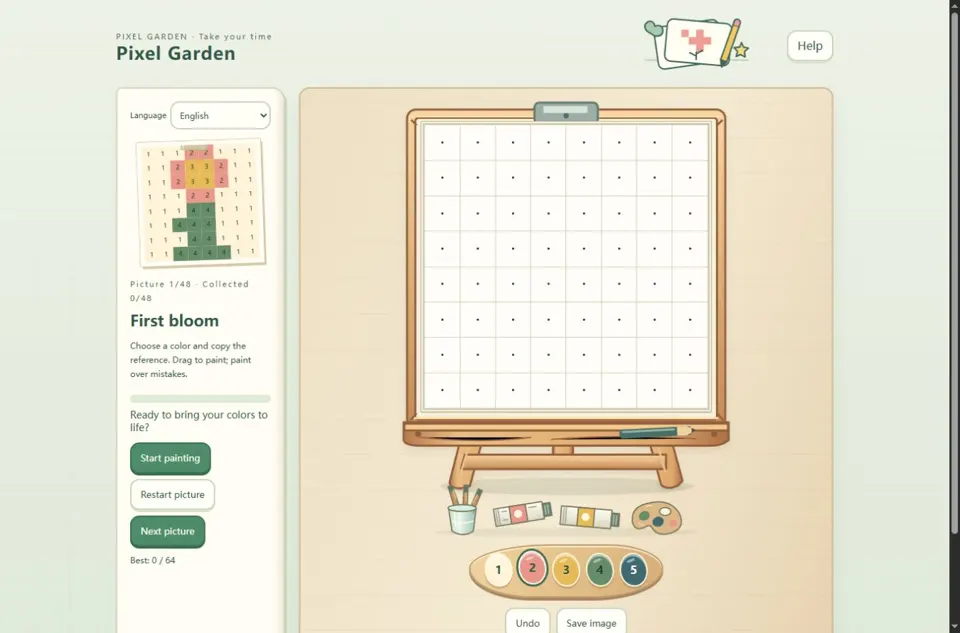
Pixel Garden: Pixel Art Coloring — game screen
Game screen
Puzzles · BROWSER GAME

Pixel Garden: Pixel Art Coloring

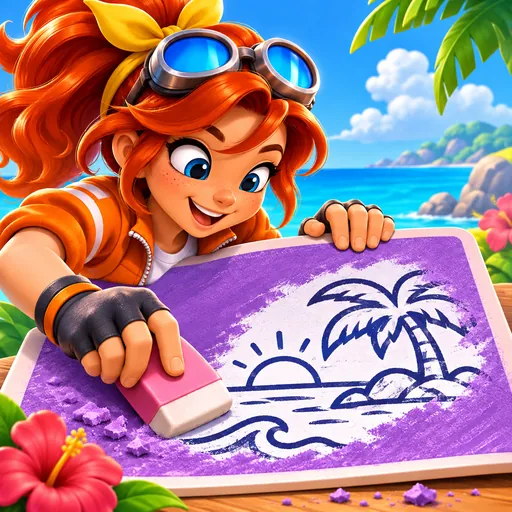
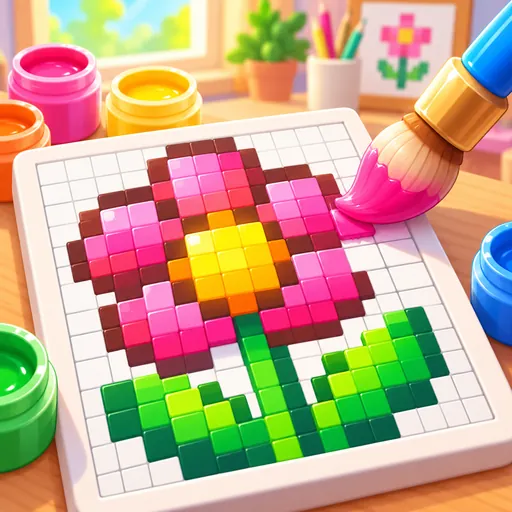
Copy colorful reference pictures one square at a time. Complete a 48-picture collection or keep painting in endless commissions.

Free to play · No download

How to play ↓

Pixel Garden: Pixel Art Coloring

Made by H5games

Choose Play now to load the game. Open game separately ↗

Pixel Garden: Pixel Art Coloring

Copy colorful reference pictures one square at a time. Complete a 48-picture collection or keep painting in endless commissions.

How to play

Get started
Choose a picture and press Start painting. Select a numbered color and paint the corresponding cells from the reference.

Play smart
Drag across adjacent cells to work faster. Paint over a mistake or use Undo when a color lands in the wrong place.

Keep exploring
Compare your canvas with the reference before moving to the next picture. Save image lets you keep a copy of your artwork.

Language and local progress
English, Simplified Chinese, Brazilian Portuguese and Indonesian are available in the game. Progress and records stay in this browser; they do not sync between devices. Keep site data to retain them.

Controls

Tap or drag across the grid after choosing a color; use Undo or Save image.
Play Pixel Garden: Pixel Art Coloring now ↗

Explore more games

More games to explore

What are you playing today?

Your games

Saved on this device. No account needed.

Favorites

Recently played

Add H5games to Home

Advertisement

Game features

  • Compare your canvas with the reference before moving to the next picture. Save image lets you keep a copy of your artwork.
  • Four language options: English, Simplified Chinese, Brazilian Portuguese and Indonesian.
  • Local browser progress and records; no account required.

Before you play

Is the game free to play?

Yes. Open the game in your browser with no download required. This release has no in-game advertising.

Where is my progress saved?

Your progress stays in this browser on this website. A different device or domain has a separate save. Clearing site storage can remove your progress.

Cover illustration created for this game; gameplay uses the art included in the release.