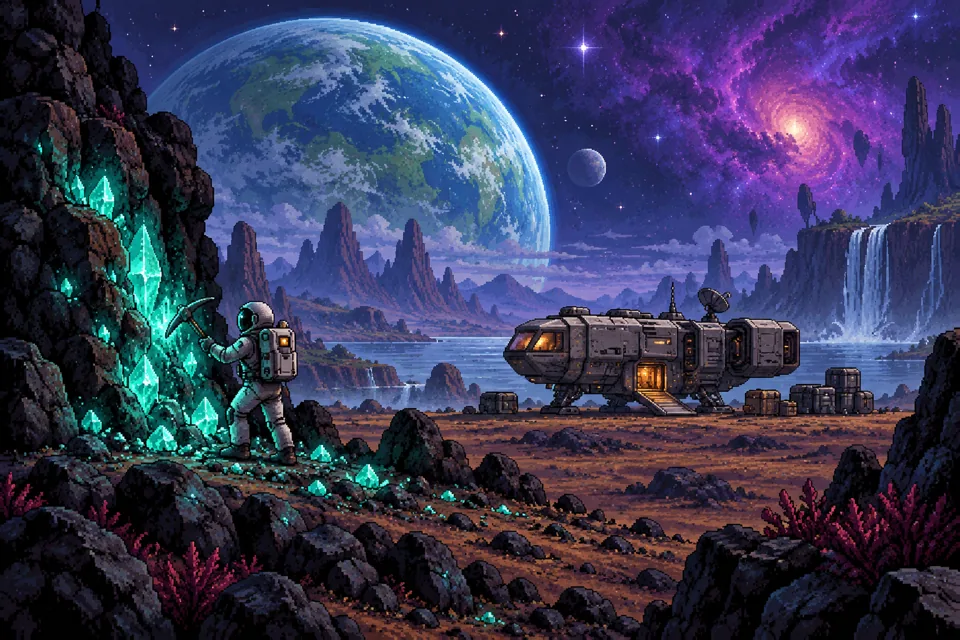
Journey to the Planets
Explore alien planets, mine ore, craft equipment and build your spaceship base. Play Journey to the Planets, a free space exploration browser game.
How to play
Make your first landing
Approach the ship teleporter and travel to the planet. Follow the first task to gather copper and return to the ship before starting a longer expedition.
Move, mine and defend yourself
On a keyboard, use A/D or arrow keys to move, Space to jump, F to mine, E to teleport and J to attack. On a phone, use the movement pad and the separate action buttons.
Build a useful base
Follow the base goals: place a workbench, place a furnace, smelt two ingots, place a storage crate and store five resources. Check each recipe before spending materials on other equipment.
Know where your materials are
Ship crafting uses warehouse resources; planet crafting uses the backpack. Check the relevant inventory before assuming a recipe is unavailable. Light caves and prepare equipment before fighting underground enemies.
Controls
On desktop, use A/D or the arrow keys to move, Space to jump, F to mine, E to teleport and J to attack. On mobile, use the movement pad and on-screen action buttons. English, Chinese, Japanese and Korean are available.










 ✦
 ✦
 ✦
 ✦
 ✦
 ✦