Shard Archive
Select a shard. Rotate it, then tap the tray to fill the ceramic outline. Undo a piece if needed.
How to play
How to get started
Select a shard. Rotate it, then tap the tray to fill the ceramic outline. Undo a piece if needed.
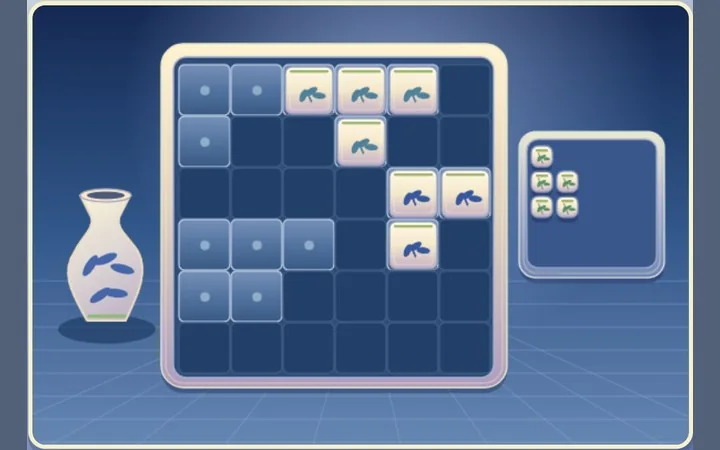
Select a shard. Rotate it, then tap the tray to fill the ceramic outline. Undo a piece if needed.
Free to play · No download
How to play ↓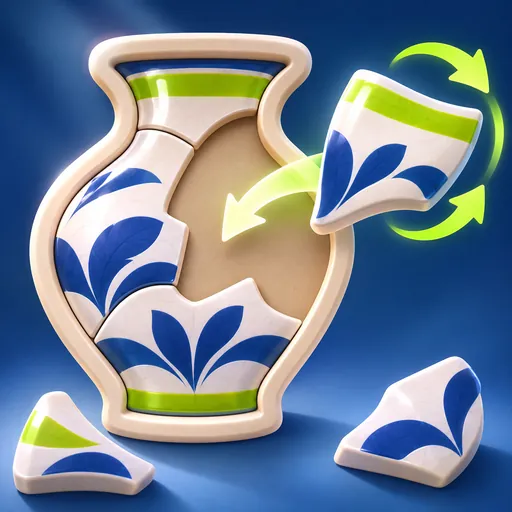
Choose Play now to load the game. Open game separately ↗
Select a shard. Rotate it, then tap the tray to fill the ceramic outline. Undo a piece if needed.
How to get started
Select a shard. Rotate it, then tap the tray to fill the ceramic outline. Undo a piece if needed.
 Moth Labyrinth
 Puffin Signal
 Compass Mill
 Seed Gale
 Bell Step
 Ribbon Beat
 Tidegate Run
 Red Sand Outpost
 Rift: Sortie Command
 Quarantine Line 09: Shotgun Girl
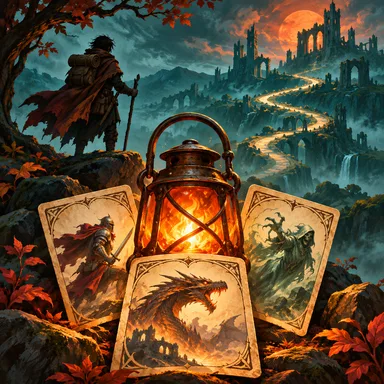 Emberbound: Deckbuilding Expedition
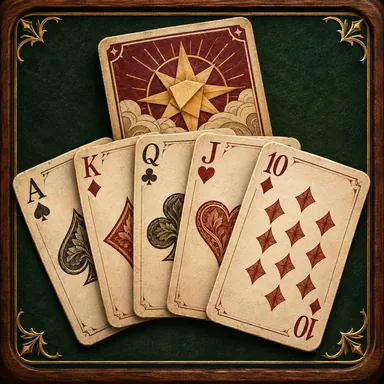 Paper Gambit: Card Strategy
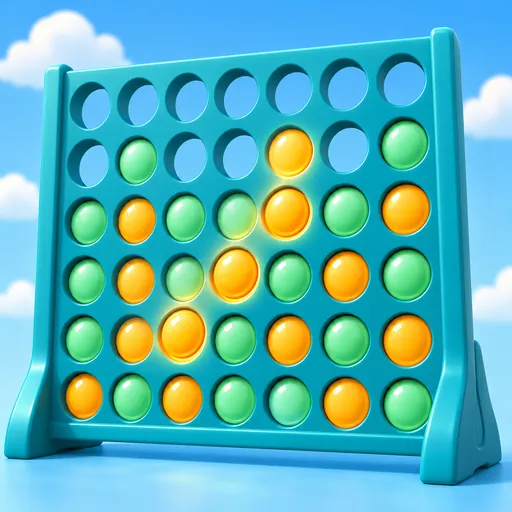 ✦Twilight Four: Connect Four
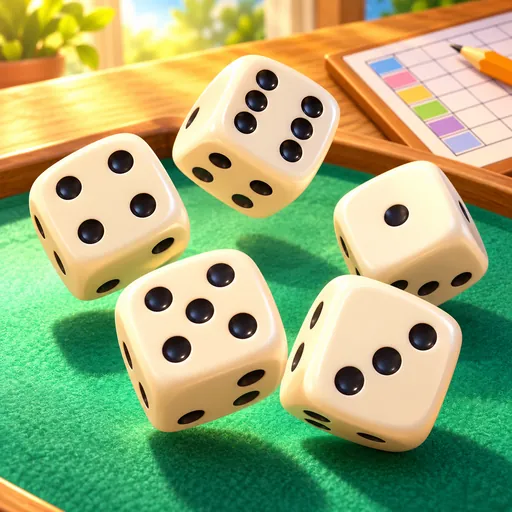 ✦Afternoon Dice: Dice Score Game
 ✦Atelier Bloom: Dress-up Studio
 ✦Petal Polish: Nail Studio
 ✦Orange Bistro: Restaurant Game
 ✦Sunny Fields: Farming Game
Advertisement
Yes. Open the game in your browser with no download required. This release has no in-game advertising.
Your progress stays in this browser on this website. A different device or domain has a separate save. Clearing site storage can remove your progress.
Cover illustration created for this game; gameplay uses the art included in the release.